NS-HPS — Smart Human Presence Sensor
Smart Human Presence Sensor
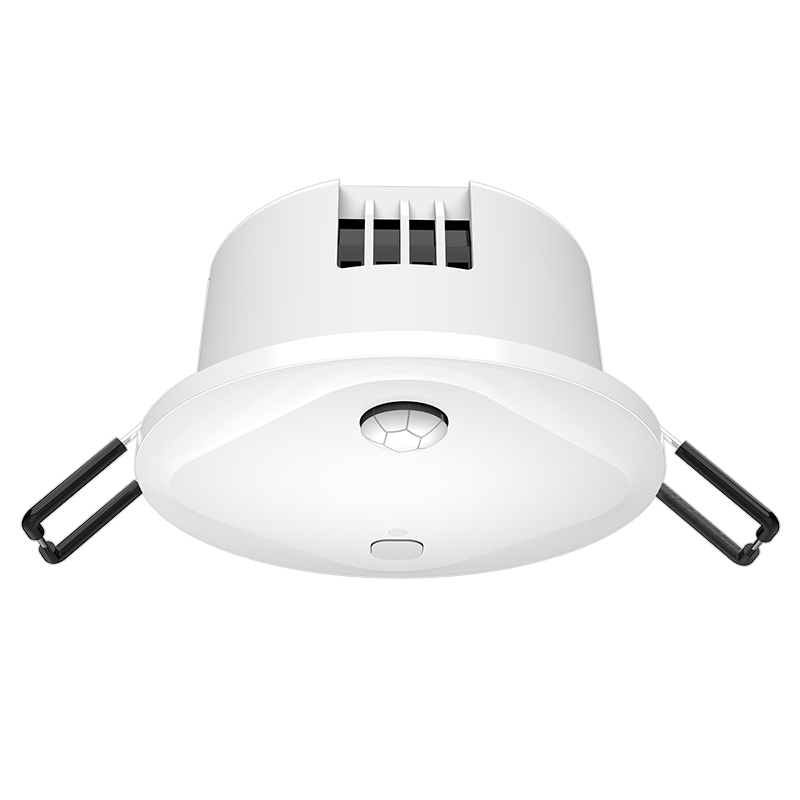
All products › Climate & Sensors › NS-HPS — Smart Human Presence Sensor
Overview
The NETUS NS-HPS is a ceiling-mounted presence sensor for smart lighting automation. It combines 24GHz radar and infrared detection with ambient-light sensing and a built-in lighting relay, operating through a compatible NETUS gateway.
Where it fits
Consider presence-led lighting in areas such as corridors, home offices or living spaces, with ambient-light conditions included in the automation plan.
Planning & compatibility
Confirm mounting height, detection area, obstacles and the intended lighting circuit. Plan relay compatibility, gateway coverage and occupancy timing to suit the room; test the final detection settings on site.
Product questions
How does the presence sensor detect occupancy?
The listed sensing combines 24GHz radar and infrared detection, with ambient-light sensing for lighting automation. Confirm the mounting height and coverage needed for the room.
Can it automate lighting based on occupancy and daylight?
The sensor includes ambient-light sensing and a lighting relay for automation through a NETUS gateway. Confirm the lighting load and relay compatibility, then test occupancy timing and detection settings on site.
Is a presence sensor the same as an alarm PIR detector?
Choose NS-HPS for the listed occupancy and daylight-based lighting functions. Choose an alarm-compatible PIR when the goal is an alarm coverage plan. Do not assume a lighting presence sensor can replace a security detector or pair directly to an alarm panel.
Discuss this product with NETUS
Plan your smart home project
Choosing products for a new build or renovation in New Zealand? Share your floor plan, existing equipment and the functions you want to control so NETUS can help check product selection and compatibility.
Explore Auckland smart home projects · Browse available product datasheets and guides · See smart home system connections
Download the product datasheet and installation / user guide below.